
★ Best Budget Mic
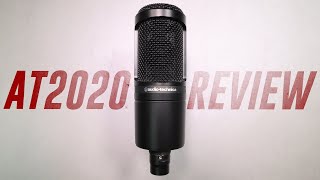
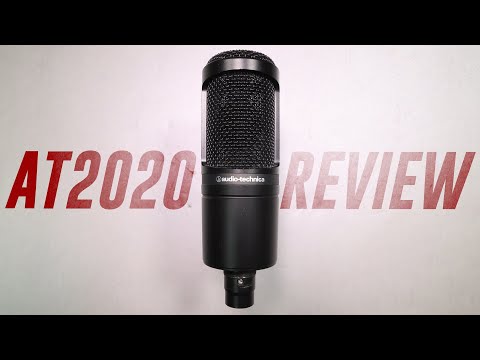
Audio-Technica AT2020
~$99 · Amazon / B&H
The AT2020 is the condenser microphone that launched a thousand bedroom studios. A large-diaphragm cardioid condenser at $99 that captures vocals with genuine warmth and detail — no other mic in this price range comes close for the money. If you're building a home studio, this is your starting point.
Why it made the list
Audio-Technica made a smart decision with the AT2020: low self-noise, a 20mm diaphragm, and a cardioid polar pattern that naturally rejects room ambience from behind the mic. At $99, it competes with microphones that cost 3x more and embarrasses everything below it in price. The extended high-frequency response adds air to vocals without harshness — the characteristic that makes home recordings sound "demo-quality" is usually a harsh 8–12kHz peak, and the AT2020 avoids it cleanly.
Deep Dive — Who It's Really For
The ideal buyer: A singer, podcaster, voice-over artist, or acoustic musician building their first home studio. The AT2020 is forgiving enough that it sounds good even in untreated rooms — the cardioid pattern and relatively low sensitivity help reject room noise compared to more sensitive condensers.
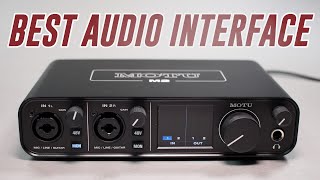
AT2020 vs AT2020+ (USB model): The standard AT2020 requires an audio interface (XLR connection). The AT2020+ is the USB version — plug directly into a computer, no interface needed. For recording in a DAW or with an interface, get the standard XLR version. For podcasting directly to a laptop, the USB version is simpler.
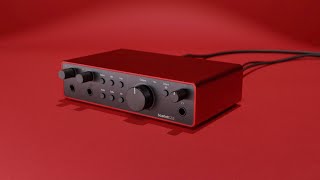
Real-world vocal sound: The AT2020 sits naturally in a mix. It's not the most flattering mic (the SM7B has more presence boost and warmth), but it's honest and detailed without being harsh. Pair it with good preamps (the 4th gen Scarlett preamps shine here) and you'll be surprised how close you can get to professional vocal tracks at $99.
Pros
Best large-diaphragm condenser under $100 Low self-noise — clean captures Cardioid pattern rejects room noise Durable all-metal constructionCons
Requires phantom power (48V from interface) No pad or highpass filter built in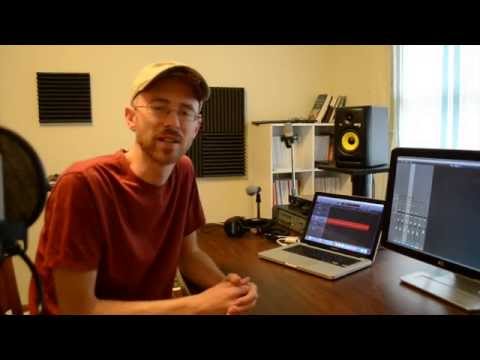
Foam Panels
Foundation Pick
Acoustic Foam Panel Pack (12-pack)
$20–$60 · Amazon
Acoustic treatment is not optional — it's the foundation everything else sits on. An untreated room introduces reflections, comb filtering, and standing waves that make your recordings sound roomy and unprofessional regardless of your mic quality. A $30 pack of 2-inch foam panels placed correctly solves 80% of home studio acoustic problems.
Why it made the list
No amount of EQ and compression can fix a bad room after the fact. Every professional recording studio has acoustic treatment for one reason: they've learned that you can spend $10,000 on a microphone and it will still sound like a bathroom if the room isn't treated. Acoustic foam absorbs high-frequency reflections — the reflections that cause vocal recordings to sound washed-out or echoey — and they cost $30. This is the highest ROI purchase on this entire list.
Deep Dive — Who It's Really For
The ideal buyer: Anyone recording in a bedroom, home office, or untreated space. If your room has hard walls, bare floors, and no curtains, you're fighting reflections on every recording. Acoustic panels are the fix.
Where to place them: First reflection points are the priority — the wall directly behind your microphone, the side walls at the first reflection point (sit at your desk, have someone hold a mirror against the wall, the spot where you can see your speaker in the mirror is a first reflection point), and the ceiling above the mix position. Four to six panels covers most rooms adequately. A 12-pack gives you flexibility to cover more surfaces.
What foam does and doesn't do: Foam absorbs high-frequency reflections (1kHz and above). It does almost nothing for low-frequency room modes (the boomy resonances in corners below 300Hz). For a complete solution, you'd add bass traps in corners. But foam panels alone make a dramatic improvement for vocal and acoustic instrument recording.
Pros
Highest ROI improvement in any home studio Dramatically reduces recording reflections Easy to install (adhesive backing) $30–$60 for room coverageCons
Doesn't address low-frequency room modes May leave adhesive residue on walls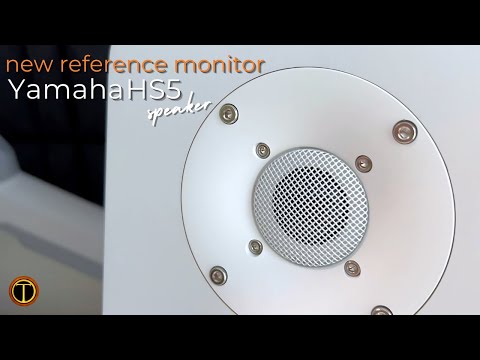
Best Budget Monitors
Yamaha HS5
~$400/pair · Sweetwater / B&H
The Yamaha HS5 sounds terrible to beginners — which means it's doing its job. These monitors are ruthlessly honest. They tell you exactly what's in your mix: too much low mid, not enough air, that kick drum that's too loud. Mixes made on HS5s translate everywhere because the speakers refuse to flatter anything.
Why it made the list
The HS series carries on the legacy of the Yamaha NS-10 — the white-woofer monitor that defined mixing for three decades. The philosophy is identical: an intentionally "un-hyped" frequency response that forces you to hear problems in your mix. Every major studio has NS-10s or HS series monitors as a reference because when your mix sounds good on a pair of HS5s, it sounds good everywhere. That's the benchmark worth chasing.
Deep Dive — Who It's Really For
The ideal buyer: A producer or mix engineer who wants to make mixes that translate to car speakers, phone speakers, and Bluetooth devices. The HS5's honest response makes the translation problem visible — you fix it in the studio instead of discovering it after release.
HS5 vs HS7: The HS5 has a 5-inch woofer; the HS7 has a 7-inch. The HS5 is appropriate for rooms under 150 square feet. The HS7 handles larger rooms better and provides deeper bass extension. For most bedroom studios, the HS5 is the right choice — the HS7's extra low end becomes room-mode problems in small spaces.
Real-world use: The first time you hear your mix on HS5s you'll probably be disappointed — the bass you thought was there isn't, the reverb is louder than you wanted, and something in the high mids is harsh. Good. That's exactly what you needed to know before sharing the track. Fix those issues and your mix will translate perfectly to every other playback system.
Pros
NS-10 legacy — used by top engineers Ruthlessly honest response Built-in amplification (bi-amplified) Room correction EQ controlsCons
Not flattering — demanding learning curve $400/pair — significant investment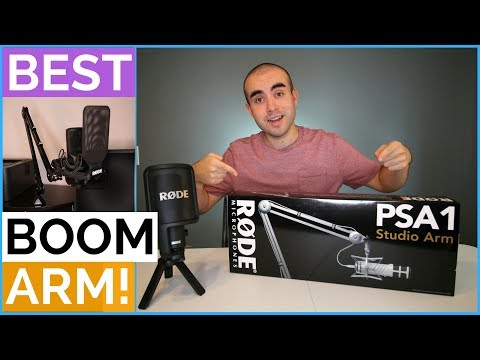
Boom Arm
Essential Accessory
Rode PSA1 Boom Arm
~$109 · Amazon / B&H
Your microphone is only as good as its positioning — and good positioning requires a boom arm. The Rode PSA1 is the professional standard: all-metal construction, 360° rotation, internal cable routing, and a spring tension that holds position perfectly without creeping. The desk-stand your AT2020 came with is not good enough. This is.
Why it made the list
Microphone technique is 50% of a good vocal recording. Getting the mic at the right distance, height, and angle consistently requires a solid boom arm — not a cheap spring-tension stand that drifts. The PSA1's build quality is exceptional for $109: the tension system stays where you put it, the internal cable routing looks clean, and the reach (820mm on both arms) handles virtually any desk setup. This is the boom arm that ends boom arm purchases.
Deep Dive — Who It's Really For
The ideal buyer: Anyone who records vocals, podcasts, or streams at a desk and wants their microphone positioned perfectly every time without wrestling with a floor stand. The PSA1 clamps to your desk and swings out of the way when not in use — the desk-space efficiency alone justifies the price.
PSA1 vs budget alternatives: There are $20–$40 boom arms on Amazon that look similar. They use plastic joints and spring-tension mechanisms that creep over minutes, leaving your mic an inch lower than where you set it by the end of a recording session. The PSA1's precision tension control uses a tool-adjustable tension mechanism that stays locked. One purchase, no frustration, no replacement in two years.
Setup tips: Mount the PSA1 at the corner of your desk for maximum flexibility. Use a 5/8" to 3/8" adapter (included) to mount most microphones. Run your XLR cable through the internal routing channel — it looks professional and prevents the cable from catching on desk items during movements.
Pros
All-metal construction — built to last Internal cable routing looks professional Tension stays set — no creeping Desk-clamp mount saves floor spaceCons
$109 — premium for an accessory Requires desk edge at least 1.5" thickRelated Tools