HS5
☆ Top Pick
Yamaha HS5
Price history
We have been recording this product's price at its dealers since July. Player members see the 90-day trend, what it has been at its highest and lowest, and whether today is actually a good day to buy it.
The Yamaha HS5 is the modern descendant of the legendary NS-10, the white-cone speaker that mixed more hit records than any other monitor in history. Yamaha's philosophy hasn't changed: show you what's actually in your mix, not what you want to hear. At $170 each, these are the flat reference standard that every serious mixing engineer should audition.
Why it made the list
The HS5 is ruthlessly flat through the critical midrange where vocals, guitars, and snare drums live. If your mix sounds good on HS5s, it'll translate to every speaker: laptop, car stereo, Bluetooth earbuds, PA system. That's the entire point of a reference monitor, and the HS5 delivers it better than anything else at this price. The white cone isn't just iconic; it's a visual reminder that you're listening to the truth, not a flattering lie.
Deep Dive: Who It's Really For
The ideal buyer: Engineers who prioritize mix translation above everything else. You want to hear problems in your mix, not feel good about your mix. The HS5 is a truth-telling tool; it rewards good decisions and exposes bad ones without mercy.
The low-end question: The 5" woofer rolls off below 54Hz, which means sub-bass content in hip-hop, EDM, and modern pop won't be fully represented. The solution is straightforward: pair the HS5s with the Yamaha HS8S subwoofer, or use headphones to check your low end. Don't let the bass limitation stop you; the midrange accuracy is worth the tradeoff.
Real-world use: Set up a pair of HS5s at ear height, forming an equilateral triangle with your listening position. The imaging is precise enough to hear panning decisions clearly. Engage the Room Control switch on the back panel if your monitors are close to a wall; it compensates for boundary bass buildup. These are the monitors that make you a better mixer.
▶ Featured Review
Video Reviews & Tutorials
Yamaha HS5 Studio Monitor Speaker Review
Full Review
The Standard in Studio Monitors: Yamaha HS5 Powered Speaker Review
Review
Can the Yamaha HS5 hold up in a pro mixing environment?
Review
Pros
Legendary flat frequency response White cone is iconic and purposeful Excellent transient response Affordable reference qualityCons
Limited low-end below 54Hz (add a sub for bass-heavy music) 5" woofer means less bass impactRokit 5 G5
Best for Electronic Music
KRK Rokit 5 G5
Price history
We have been recording this product's price at its dealers since July. Player members see the 90-day trend, what it has been at its highest and lowest, and whether today is actually a good day to buy it.
KRK monitors have been the default in electronic music studios for two decades, and Generation Five explains why. The distinctive yellow Kevlar woofer extends the bass response lower than competing 5" monitors, which matters when you're producing trap, house, or EDM where the sub frequencies define the track. The built-in DSP app lets you tune the monitors to your room.
Why it made the list
If you produce bass-heavy music, the KRK Rokit 5 G5 gives you more low-end information than any other 5" monitor at this price. Generation Five keeps the DSP room tuning and puts it behind an onboard display, so you can compensate for a desk or a corner without a measurement rig, and the KRK app lets you EQ the monitors based on your room's acoustic profile. This isn't a flat reference monitor; it's a production tool designed for genres where hearing the bass accurately is the difference between a hit and a miss. The yellow cone is as recognizable in studios as the Yamaha white cone, and for good reason.
Deep Dive: Who It's Really For
The ideal buyer: Electronic, hip-hop, and bass-heavy music producers who need to hear what's happening below 60Hz without adding a subwoofer. The Rokit 5 G5's extended bass response gives you more information in that critical range than the Yamaha HS5 or JBL 305P.
The flatness tradeoff: KRK's bass response is enhanced compared to truly flat monitors like the HS5. This means your mixes might translate slightly differently than if you mixed on perfectly flat speakers. The solution: learn your monitors. Every great mixer knows what their speakers sound like and compensates accordingly. KRK's built-in EQ app helps you get closer to flat if you want it.
Real-world use: Room placement matters more with the Rokit 5 because the rear bass port can cause buildup near walls. Use the KRK Audio Tools app to measure your room and apply corrective EQ. Once dialed in, these monitors reward you with a clear picture of how your 808s, synth basses, and kick drums interact, the most critical relationship in electronic music.
▶ Featured Review

Video Reviews & Tutorials

KRK Rokit 5 Rp5 G5 Speakers First Look Review: Best Studio Monitors For DJs?
First Look
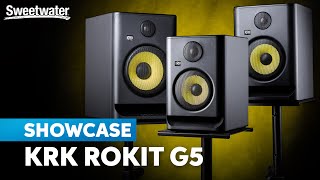
KRK Rokit G5: Next-gen Tools for Every Creative Step
Walkthrough

KRK Rokit 5 Gen5 - Budget speakers are getting GOOD!
Review
Pros
Extended bass response for a 5" monitor DSP-driven voicing modes Built-in EQ app for room correction Affordable at $199 eachCons
Bass response is enhanced (not flat) Room placement matters more due to rear portT5V
Best Detail Resolution
Adam Audio T5V
Price history
We have been recording this product's price at its dealers since July. Player members see the 90-day trend, what it has been at its highest and lowest, and whether today is actually a good day to buy it.
Adam Audio's ribbon tweeter technology trickles down from their $3,000+ reference monitors into the T5V. The U-ART folded ribbon tweeter reveals high-frequency detail (reverb tails, sibilance, cymbal textures) that dome tweeters in this price range simply miss. If you make mix decisions based on high-frequency detail, the T5V gives you more information to work with.
Why it made the list
The T5V is the most revealing monitor in this roundup. Adam Audio's U-ART ribbon tweeter technology is the same fundamental design used in their flagship S series monitors, folded ribbon tweeters that move air faster and more precisely than traditional dome tweeters. The result is high-frequency detail that lets you hear the difference between a good de-esser setting and a great one, between a reverb tail that decays naturally and one that was cut short. At $240 each ($480/pair), it's the ceiling of this guide's budget, and worth every penny for detail-oriented engineers.
Deep Dive: Who It's Really For
The ideal buyer: Detail-oriented mixing engineers and mastering engineers who make critical decisions in the high frequencies. If you spend time shaping reverb tails, managing sibilance, tuning cymbal balance, or adjusting the "air" in a vocal, the T5V reveals more of that information than any other monitor under $500.
The fatigue factor: Ribbon tweeters are more revealing, which means they can be more fatiguing during long sessions. The T5V is honest about problems in your high end, and that honesty can be exhausting if you're mixing for 8+ hours. Take breaks. Your ears will thank you, and so will your mixes.
Real-world use: The wide sweet spot and excellent stereo imaging make the T5V forgiving of positioning imperfections. You don't need to be locked into a perfect equilateral triangle to hear an accurate stereo field. For small home studios where ideal placement isn't always possible, that's a meaningful advantage over monitors that collapse the image when you lean six inches to the left.
▶ Featured Review

Video Reviews & Tutorials

Adam Audio T5V Studio Monitor Review
Full Review

Adam Audio T5V Audio Monitors Review and Testing
Review

These Studio Monitors are QUALITY!! || Adam Audio T5V Studio Monitor (Unboxing & Review)
Review
Pros
Ribbon tweeter (U-ART) reveals details other monitors hide Wide sweet spot for imperfect room setups Excellent stereo imaging Professional build qualityCons
$240 each: $480 for a pair pushes the budget ceiling Can be revealing to the point of fatiguing in long sessions305P MkII
Best Value
JBL 305P MkII
Price history
We have been recording this product's price at its dealers since July. Player members see the 90-day trend, what it has been at its highest and lowest, and whether today is actually a good day to buy it.
JBL's Image Control Waveguide (the same technology used in their $2,000+ M2 Master Reference monitors) is built into the 305P MkII at $184 each. This creates a wider sweet spot and more consistent frequency response off-axis than any other monitor at this price. If you share a mixing position with a collaborator, the 305P's wide sweet spot means both of you hear an accurate picture.
Why it made the list
The JBL 305P MkII is the best value proposition in this entire roundup. At $184 each ($368/pair), you get waveguide technology trickled down from JBL's flagship M2 Master Reference monitors, a neutral frequency response that works across every genre, and a sweet spot wide enough for two people to share. For budget-conscious producers who want JBL engineering without JBL flagship pricing, the 305P MkII is the obvious answer. It's also genre-agnostic, equally capable mixing hip-hop, country, electronic, or jazz.
Deep Dive: Who It's Really For
The ideal buyer: Budget-conscious producers who want professional-quality monitoring without spending $400+ per pair. The 305P MkII punches so far above its weight class that many engineers keep a pair as a secondary reference even after upgrading to more expensive monitors.
The waveguide advantage: JBL's Image Control Waveguide controls the dispersion pattern of the tweeter, which means the frequency response stays consistent even when you move off-axis. In practical terms: you don't lose the high end when you lean to grab your mouse. This is a $2,000+ feature in a $184 speaker.
Real-world use: The 305P MkII sounds neutral and honest. It doesn't have the clinical flatness of the HS5 or the bass extension of the KRK, but it does everything well. The power switch on the back is genuinely annoying (you'll want a power strip with an accessible switch), and the bass port can get noisy at very high volumes. But for normal monitoring levels in a home studio, these are hard to beat at any price, let alone $184.
▶ Featured Review

Video Reviews & Tutorials

Are JBL Studio Monitors Good For Music Production? | JBL 305P MKII Studio Monitors Unboxing & Review
Full Review
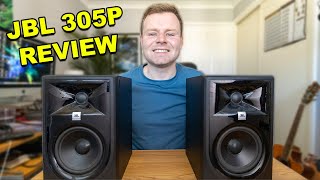
JBL 305p MKII Long term Review
Long-term Review
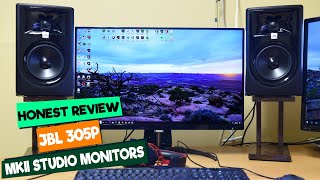
JBL 305P MkII Review: The Best Budget Studio Monitors?
Review
Pros
JBL's waveguide technology from $2K+ speakers Excellent imaging for the price Neutral tuning works across all genres $184 each is an incredible valueCons
Power switch on the back is annoying Bass port noise at high volumesEris 3.5
Budget Entry
PreSonus Eris 3.5
Price history
We have been recording this product's price at its dealers since July. Player members see the 90-day trend, what it has been at its highest and lowest, and whether today is actually a good day to buy it.
The Eris 3.5, now in its second generation, is not a professional studio monitor; it's a massive upgrade from laptop speakers or consumer headphones for under $100/pair. The midrange is honest enough to catch major balance issues, and the front-panel volume knob means you actually use them instead of reaching behind. They're the "first step" monitors that make you realize why studio monitoring matters.
Why it made the list
We included the Eris 3.5 because not everyone has $300–$500 to spend on monitors right now, and mixing on laptop speakers is actively harmful to your development as a producer. At $100 for a pair, the Eris 3.5 gives you a surprisingly flat midrange, a front-panel volume knob (which sounds trivial but is genuinely important for workflow), and enough low-end to hear basic kick and bass balance. They won't replace a real nearfield monitor, but they'll get you 80% of the way there for 20% of the price.
Deep Dive: Who It's Really For
The ideal buyer: Absolute beginners who want to hear their mixes on actual speakers instead of headphones or laptop speakers. Students, bedroom producers just starting out, anyone who knows they need monitors but can't justify $300+ yet. The Eris 3.5 is the on-ramp.
What they won't do: These are desktop monitors with 3.5" woofers; they don't have the bass extension, the volume, or the detail resolution of true nearfield monitors like the HS5 or JBL 305P. Don't try to master a record on them. Don't rely on them for critical low-end decisions. Use them to check balance, panning, and midrange clarity; they're surprisingly good at those things.
Real-world use: Put them on your desk, plug in your audio interface (or use the 1/8" aux input directly from your laptop), and start mixing. The front-panel volume knob and headphone jack make them the most ergonomic monitors in this list. When you eventually upgrade to HS5s or 305Ps, keep the Eris pair as a "consumer reference" check; hearing how your mix sounds on small speakers is a legitimate mixing technique.
▶ Featured Review
Video Reviews & Tutorials
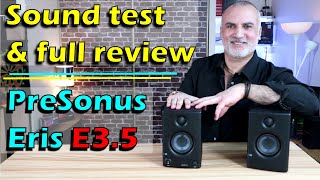
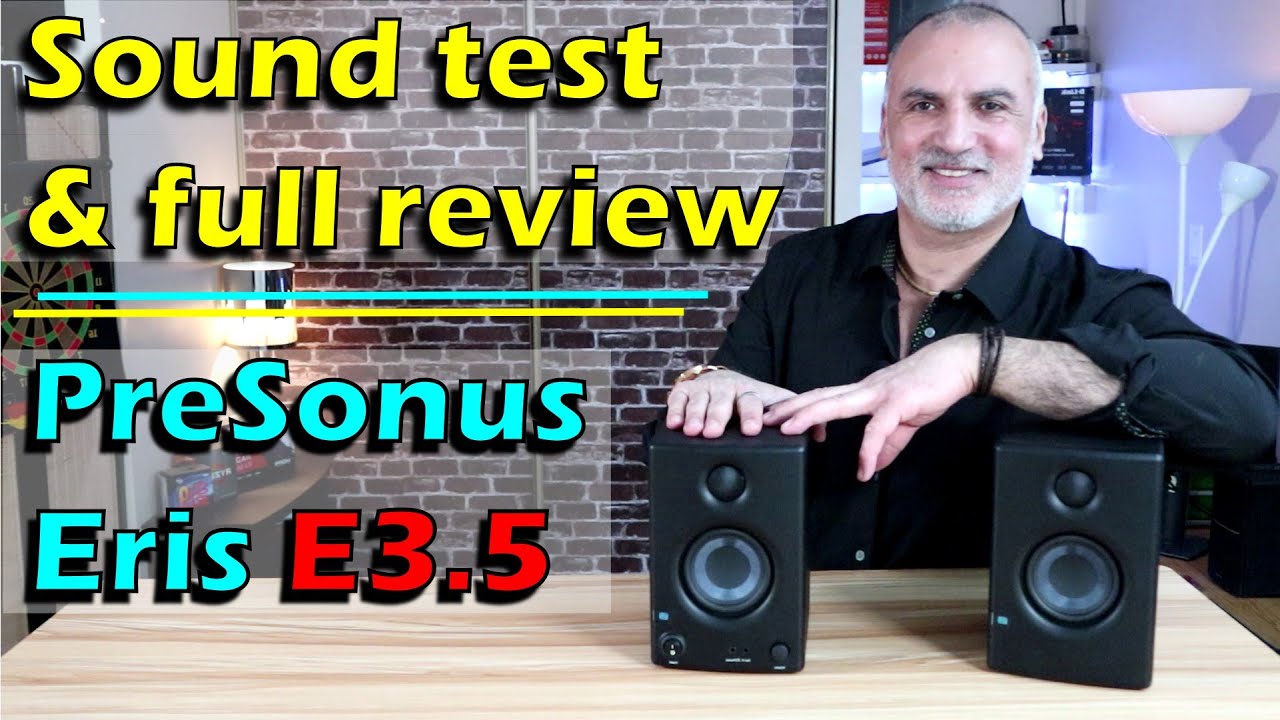
PreSonus Eris E3.5 Studio Monitors Sound test, full review, likes & dislikes
Full Review
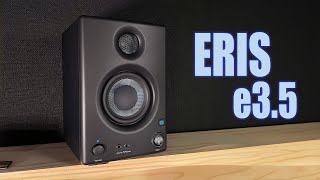
PreSonus Eris e3.5 Studio Monitors: The New King of Desktop Speakers?
Review
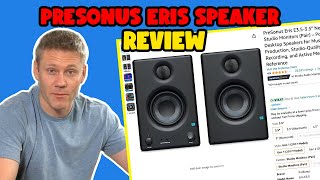
PreSonus Eris E3.5-3.5" Near Field Studio Monitors Review - Should you buy it?
Review
Pros
$100 for a PAIR (not each) Surprisingly flat midrange for the price Front-panel volume knob and headphone jack Bluetooth option available on BT variantCons
Limited bass from 3.5" woofers Desktop monitors, not true nearfield Not suitable for critical mixing or mastering